
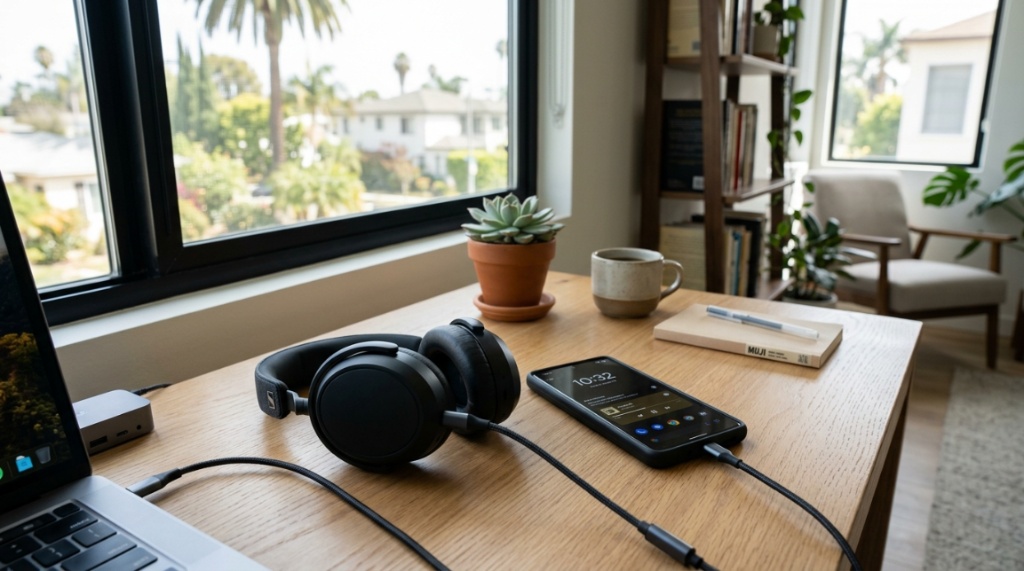
Finding the right pair of USB-C headphones in California isn’t just about picking something that fits your phone. With the steady shift toward USB-C as the universal standard, the market is flooded with options. But here’s the catch: the best choice for a remote worker in San Francisco might be completely different from what a commuter in Los Angeles needs. Whether you’re dealing with long BART rides, noisy coffee shops, or late-night editing sessions, the perfect pair balances sound quality, comfort, and practical features. This guide breaks down exactly how to navigate the California market and find the best USB C headphones California has to offer, without the guesswork.
Key Takeaways
- Compatibility matters more than price; always verify that the headphones support your specific device, whether it’s an iPhone 15, Android phone, MacBook, or Nintendo Switch.
- For the California lifestyle, prioritize battery life and active noise canceling (ANC) if you spend significant time commuting or working in shared spaces.
- Check for high-resolution audio certifications like Hi-Res Audio, as USB-C connection can deliver better sound quality than traditional 3.5mm jacks.
- Don’t buy before measuring your use case: wired USB-C, wireless with USB-C dongle, or true wireless have distinct advantages depending on whether you value zero-latency or maximum portability.
Why USB-C Headphones Are Taking Over
The shift to USB-C isn’t a trend; it’s the industry standard. Most flagship smartphones—with Apple’s iPhone now included—use USB-C for charging and audio. Laptops, tablets, and even gaming consoles are following suit. When you use USB-C headphones, you are leveraging a digital connection. This means the digital-to-analog conversion (DAC) and amplifier are built into the headphone itself, which often results in more consistent sound quality across various devices compared to a standard headphone jack. However, not all USB-C headphones are created equal. Some are simply analog passthroughs, while others use advanced internal processing.
The Key Difference: Analog vs. Digital USB-C Audio
This is where most people get confused. There are two types of “USB-C” headphones:
- Digital: These contain their own DAC. They process the digital audio signal internally. They generally offer better audio control, EQ settings, and consistent volume. They are the true “best” option for audiophiles.
- Analog: These rely on the host device (your phone or laptop) to do the DAC conversion. They are usually cheaper but can have volume inconsistencies depending on the device you connect them to.
Knowing this distinction is your first step in weeding out poor-quality options. If you see a pair of headphones that claims “high-res” but is priced under $30, it’s likely analog and won’t deliver the same performance as a certified digital model, If you are also shopping for accessories on a budget, check out our guide on how to choose budget gaming headsets that work.
Navigating the California Lifestyle: What Do You Actually Need?
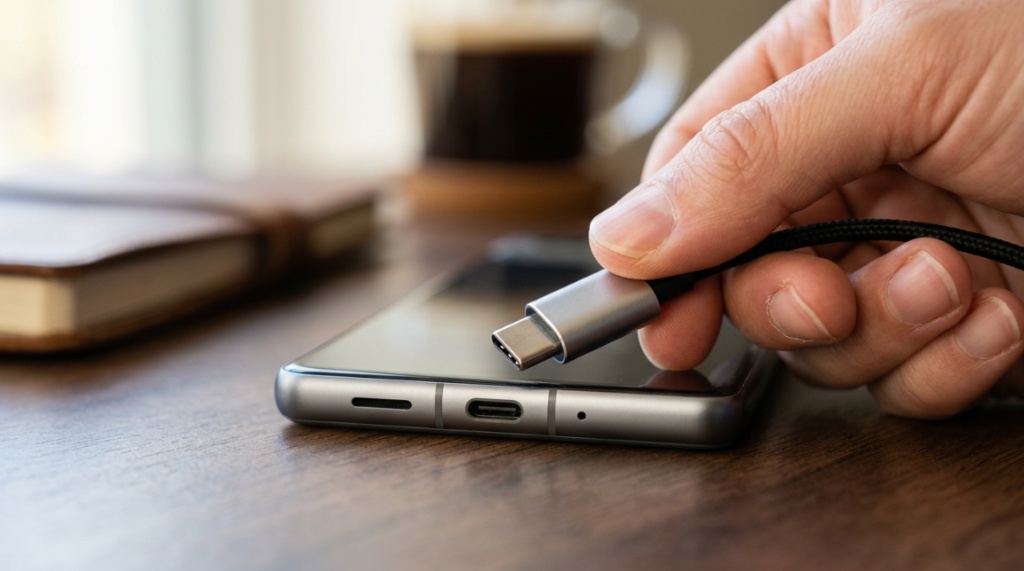
California is large, and your audio needs will vary based on your daily routine. We aren’t going to give you a one-size-fits-all answer because that doesn’t exist. Instead, let’s look at the primary use cases that dictate your purchase.
For the Commuter: Noise Canceling and Battery Life
If you are riding the LA Metro, the SF Muni, or the Caltrain, battery life and Active Noise Cancellation (ANC) are non-negotiable. You are dealing with ambient rumble, chatter, and brake squeals. Look for headphones that offer at least 30 hours of battery life with ANC enabled. Many top-tier wireless USB-C headphones allow you to use them in wired mode via USB-C when the battery dies. This is a critical feature for long-haul flights from SFO where you might run out of battery halfway across the Pacific.
For the Remote Worker: Microphone Quality and Multipoint
California is the remote-work capital. If you are on Zoom, Google Meet, or Slack calls, the microphone quality is more important than the music quality. You need headphones with a solid microphone array that filters out background noise—think of that neighbor’s leaf blower or the distant traffic. Additionally, look for multipoint connectivity. This feature allows you to connect to your laptop for work and your phone simultaneously. If a call comes in on your phone, the headphones automatically switch from the laptop audio to the phone call. Without this, you’ll constantly be disconnecting and reconnecting devices.
For the Traveler: Durability and Portability
Traveling between San Diego and Sacramento? Portability is key. If you prefer over-ear headphones, ensure they fold flat or into a compact case. If you prefer earbuds, consider the charging case size. Some USB-C earbuds also support wireless charging, which is convenient if you are using hotel key cards or portable chargers.
Compatibility: The Hidden Trap in California
Do not assume that “USB-C” just works everywhere. While the connector is universal, the audio protocols are not. The absolute priority is to check whether the headphones you want are compatible with your specific gear. For example, a pair designed heavily for Android might not have full functionality on a gaming PC, and vice versa.
If you are specifically looking for a curated list to shortcut this research, our comprehensive roundup of the best USB C headphones California provides detailed specifications and real-world testing on multiple device types. This list can save you the headache of buying a pair that doesn’t work with your specific laptop model.
Gaming Consoles and the Nintendo Switch
Here’s a niche scenario: The Nintendo Switch supports USB-C audio, but only when docked with the USB-C port on the dock. In handheld mode, the USB-C port is typically used for charging, so you may need an adapter. For gamers, ensure your USB-C headphones offer a low-latency mode. Bluetooth usually has a delay, but wired USB-C (or a 2.4GHz dongle) provides near-zero latency, which is essential for competitive gaming on a PC or console.
Key Features to Look For (and Features to Ignore)
Marketing jargon can complicate the selection process. Let’s separate the essential features from the fluff. Look for high-quality materials; in California’s climate—especially in the inland valleys—you need materials that won’t degrade in heat. Leather or leatherette ear cushions are often more durable than mesh in the long run.
Codecs and Sound Quality
When looking at wireless USB-C headphones, you’ll see terms like LDAC, aptX Adaptive, and AAC. These are Bluetooth codecs. They dictate how audio is transferred wirelessly. If you are an Android user, look for LDAC or aptX HD for the best quality. If you are an iPhone user, you are limited to AAC. If you are using the headphones wired via USB-C, you bypass the Bluetooth codec entirely, relying on the internal DAC, which usually yields a purer sound signal.
Charging Speed and Portability
In the hustle of California life, you might forget to charge your devices. Look for headphones that offer “quick charge” features. A 5-minute charge that gives you 2 hours of playback is incredibly useful. Also, check the weight. Battery life often comes at the expense of weight. A 400-gram pair of headphones might sound great, but they can become uncomfortable after a 90-minute Peloton session or a long flight to the East Coast.
Wired vs. Wireless USB-C: Which Is Right?
This is a fundamental decision that every buyer needs to make. Both have distinct advantages and disadvantages depending on your lifestyle. In California, where people are constantly moving between home, work, and leisure, flexibility is key.
The Case for Wired USB-C Headphones
These are the best-kept secret for gamers and audiophiles. Wired USB-C headphones offer the lowest latency possible. There is no delay between the audio being played and you hearing it. They also do not need to be charged, so you never hit a flat battery on a long flight.
The Case for Wireless USB-C Headphones
These dominate the market because of convenience. They offer freedom of movement—essential if you’re walking from the parking lot to the office or walking around your apartment while on a call. However, they require discipline in charging. You must ensure you have a charging routine to avoid dead batteries.
Price vs. Performance: Where to Spend Your Money
You don’t need to spend $400 to get a good pair of USB-C headphones, especially if you are primarily using them for calls. The sweet spot for quality audio and decent ANC is usually between $150 and $250. However, there are some “budget kings” that offer impressive performance for under $100, though they often sacrifice microphone quality or build materials.
Be wary of the “inflated price” trap. Since USB-C is a relatively new standard for some users, some brands slap a premium on their products without actually upgrading the internal components. Always look at the specs—specifically the driver size (typically 40mm for over-ear) and the frequency response (20Hz-20kHz is standard, but higher ranges can indicate better tuning).
Frequently Asked Questions
Can I use USB-C headphones with a 3.5mm jack?
No, not directly. You need a Digital-to-Analog Converter (DAC) dongle that converts the USB-C signal to a 3.5mm signal. However, if your device only has a 3.5mm jack, you are better off buying 3.5mm headphones, as using a dongle with USB-C headphones can sometimes restrict microphone functionality.
Do USB-C headphones sound better than Bluetooth?
Generally, yes, when connected via the wire. The USB-C connection provides a stable, high-bandwidth digital signal that preserves audio quality better than most Bluetooth codecs. Bluetooth compresses the audio file, whereas USB-C transfer is often lossless, provided your headphones have a good internal DAC.
Can I charge my phone while using USB-C headphones?
It depends on the port configuration. If you are using wired USB-C headphones, they occupy the charging port. To charge and listen simultaneously, you will need a USB-C splitter or a pair of wireless headphones that charge via USB-C.
Are USB-C headphones compatible with the iPhone 15?
Yes. The iPhone 15, 15 Plus, 15 Pro, and 15 Pro Max all use USB-C, which means they support standard USB-C audio output. Most digital USB-C headphones will work flawlessly with these models, though you should check the specific manufacturer’s notes to ensure full iOS compatibility.
Conclusion
Choosing the best USB-C headphones in California comes down to a simple formula: match the technology to your environment. If you are constantly on the move in urban centers, prioritize wireless options with strong ANC and top-tier microphones. If you are sitting at a desk or a studio, appreciate the latency-free audio of wired models. Always check the compatibility with your specific devices, not just the “type” of device. The market is full of great options, but the “best” pair is the one that feels invisible during your commute, makes you sound crisp on calls, and keeps your music immersive. Take your time, check the specs, and enjoy the soundtrack to your life in the Golden State.
Focus Keyphrase:
Meta Description:
About Author
